Restore and undo
Open a checkpoint from the Graph or list → Restore. The dialog previews files. A failed restore sets an error and keeps the dialog open (nothing half-applied).
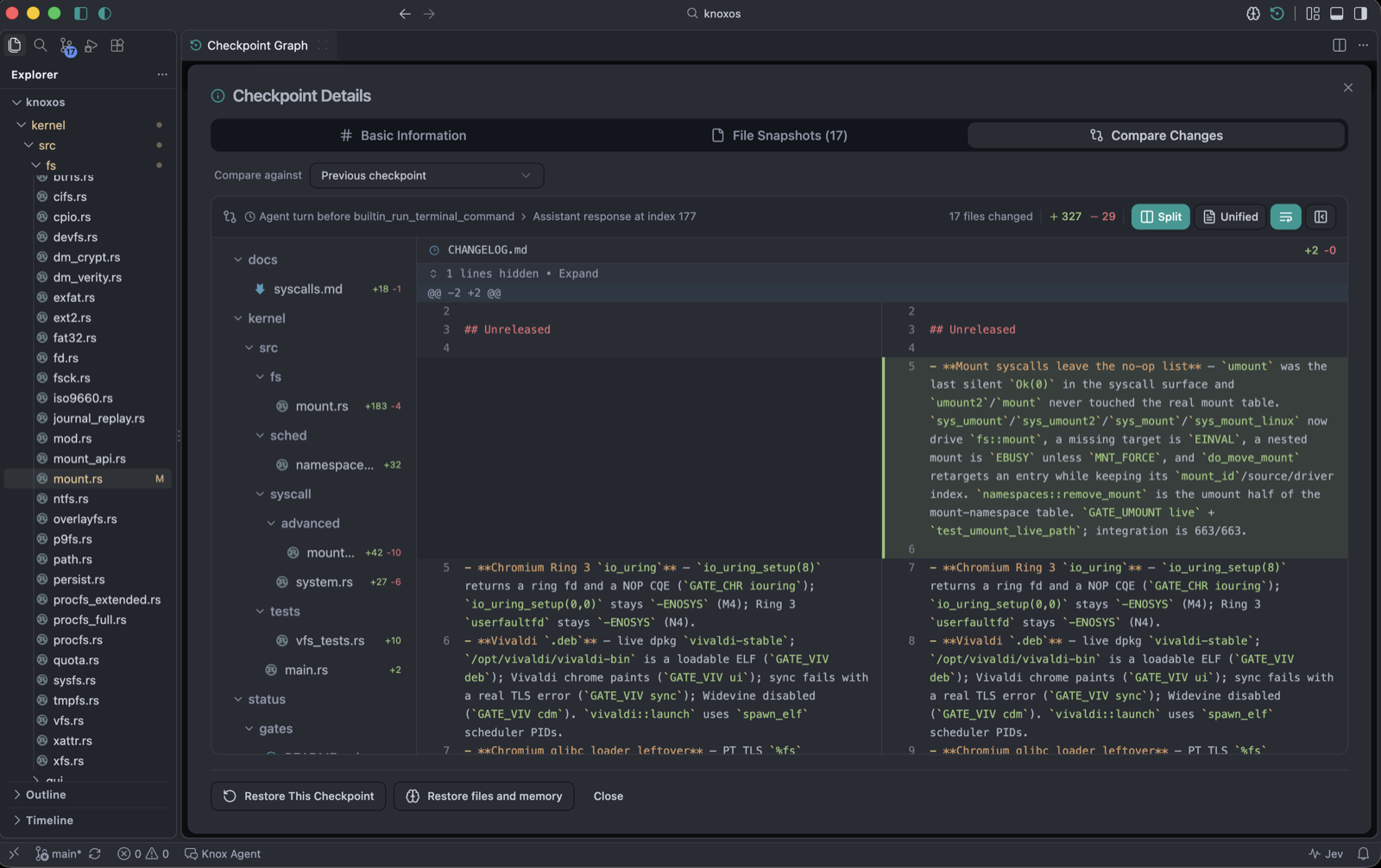
Restore All (journaled)
GUI Restore All, skip-confirm, and the agent restore tool all go through journaled restoreCheckpoint: backup + journal + rollback. If something fails mid-way, Knox rolls back the restore itself.
Restore Selected only writes checked paths.
Extra files (default off)
Files that exist in the live tree but not in the checkpoint show as unchecked extra rows plus:
Also remove files not in this checkpoint
Leave it off unless you intend to delete those files. Extra-file checkboxes stay unchecked until you opt in.
You can also restore Memory Brain with the snapshot (rewind_memory / restore-memory toggle, default off) so semantic memory does not stay ahead of the disk.
Auto undo
Undo restores the checkpoint before the last edit. Example: snapshots [A, B] plus a dirty workspace → undo A, and the pre-undo dirty tree is saved as the redo target.
Shortcuts:
| Action | Mac | Windows / Linux |
|---|---|---|
| Undo checkpoint | ⌥⌘Z | Ctrl+Alt+Z |
| Redo checkpoint | ⌥⌘Y | Ctrl+Alt+Y |
| Undo last assistant operation | ⇧⌥⌘Z | Ctrl+Shift+Alt+Z |
| Redo last assistant operation | ⇧⌥⌘Y | Ctrl+Shift+Alt+Y |
Cmd+Z vs Knox undo
| Shortcut | What it undoes |
|---|---|
| ⌘Z / Ctrl+Z | Editor buffer (and Reject diff when a Knox diff is visible) |
| Knox checkpoint / assistant undo | Files on disk from the last agent snapshot, not a single keystroke in the buffer |
Use checkpoint undo after Auto changed many files. Use editor undo while you are typing.
Knox: Show Undo History lists automatic-checkpoint undo. Knox: Undo Last Assistant Operation is the agent-aware path.
Next
How checkpoints work · Checkpoint Graph · Keyboard shortcuts