Checkpoint Graph
Title-bar graph icon, Knox: View Checkpoint Graph, or Knox: View Checkpoints. This is a native pane (same family as chat and Memory), not a webview.
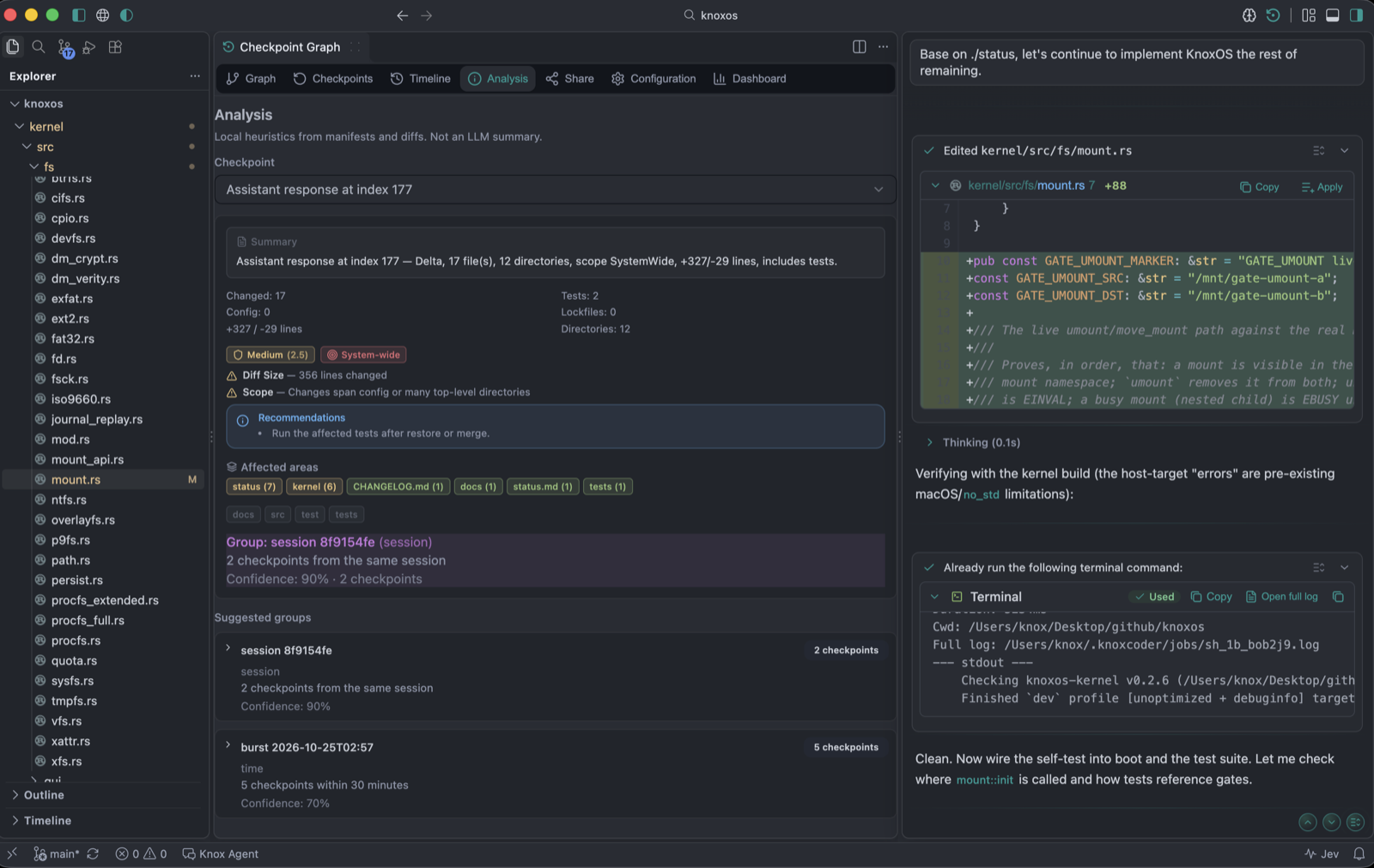
Tabs:
| Tab | For |
|---|---|
| Graph | Engine lines as a commit-style graph. Working tree row, find, Cmd/Ctrl+H jumps to HEAD without opening it. Labels and original request are searchable. |
| Checkpoints | List with pin, restore, delete |
| Timeline | Time-ordered view; can fork a branch from a node |
| Analysis | Impact / scope chips for a picked snapshot (affected files and layers) |
| Share | Export / import bundles — Share and import |
| Configuration | Caps, ignore, auto — or Knox: Open Knox Settings → checkpoints group |
| Dashboard | Counts, storage, AI session metrics (including recipe reuse estimates when recipes are on) |
Arrow keys move between checkpoint tabs (accessibility). Skip-to-composer and landmarks apply on this chrome too.
Graph habits
- Each node is a labeled restore point, not a git commit
- Lanes are checkpoint branches (engine lines)
- Source chips on a recipe open that node here
- Right-click a row for restore / branch / pin (menu stays on screen)
Need git history instead? Use the Source Control view. Checkpoints do not replace git log.