Background agents
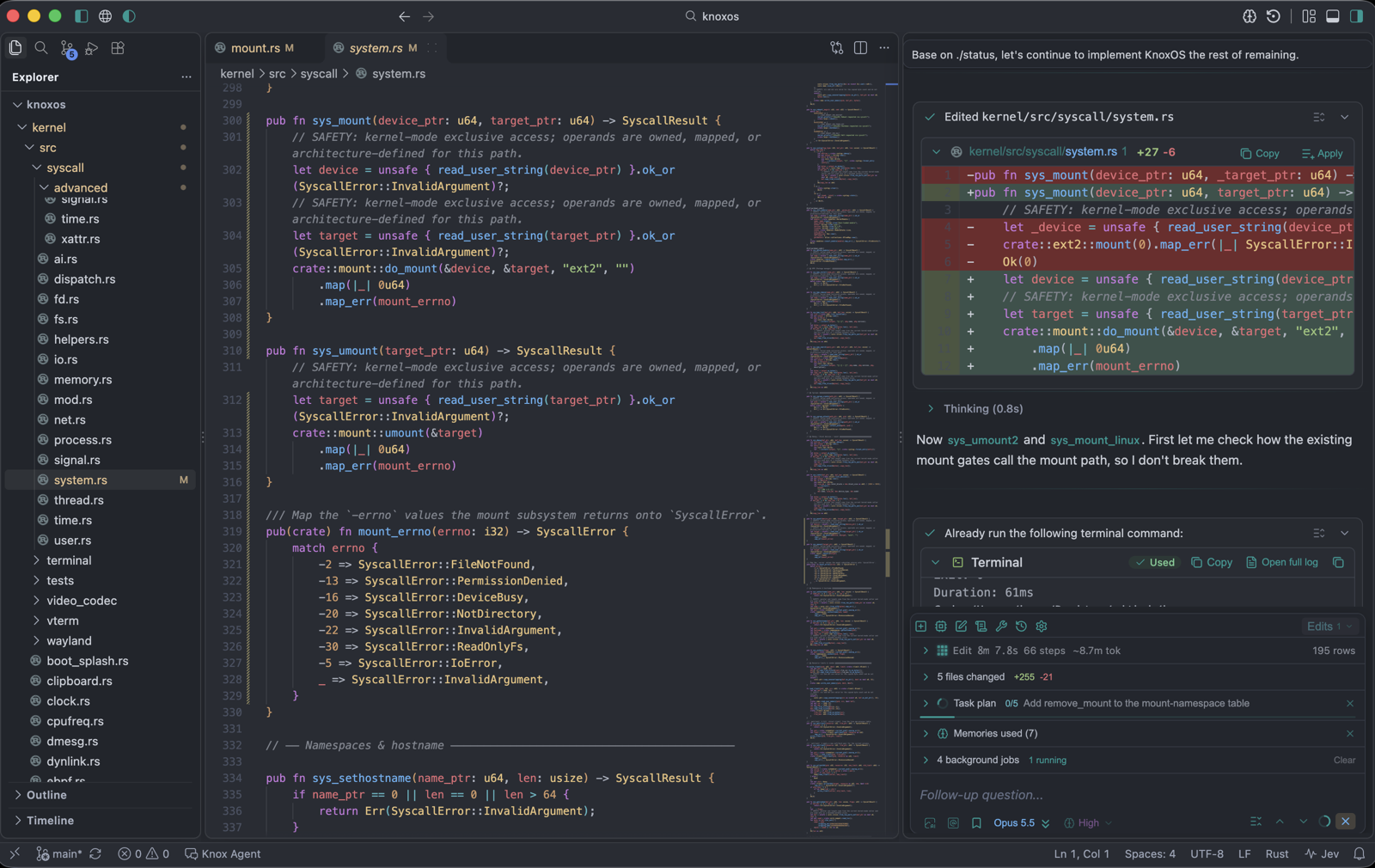
Run in background starts the current composer text in an isolated git worktree so you can keep chatting in the sidebar. Hint: Start the composer task in a git worktree. Merge or discard from the jobs panel when it finishes.
Palette: Knox: Background Agents: Start / List / Merge / Discard (knox.bg.start and friends).
This is not /autonomous (that loop stays in the current chat, with a step cap). It is not a long shell that backgrounds after ~30 s (that also lands in Jobs, as a shell row).
Start
- Open a folder that is a git repo. Otherwise: Open a folder to start a background agent.
- You need a chat model. Otherwise: No chat model is available.
- At most two background agent jobs at once. A third start fails with At most 2 background jobs can run at once.
From the composer, Run in background uses the permission mode on the bar.
From Knox: Background Agents: Start you type the task, then pick:
| Pick | Meaning |
|---|---|
| Auto (YOLO, default) | Writes and shell apply without asking |
| Edits | File writes apply; shell is denied (no prompt in the background) |
There is no Ask pick: a detached job cannot show a permission card. Stay on Edits if the tree is untrusted and you still want file edits without a shell.
Edits auto-apply inside the worktree. Shell is denied unless Auto. Same as the known-issues note for 2.2.
Tool rounds for these unattended runs are capped (default 40 / rust 60 / systems 80, absolute 200). GUI chat without this start stays unlimited. Agent profiles still pick doom-loop and the verify oracle.
Worktree
Each job lives under ~/.knoxcoder/bg/<id>/:
| Path | What |
|---|---|
tree/ | Git worktree on branch knox/bg-<id>, created from HEAD |
job.json | Status, task, changed files |
Parent uncommitted tracked and untracked files are copied into the worktree (same idea as subagent worktrees). If seeding fails, the job still runs at HEAD.
When the run finishes, Knox git add -A and, if anything changed, commits as Knox <knox@localhost> with message knox bg <id>: <task>. A desktop toast reports done / failed.
Statuses: running, done, failed, merged, discarded.
Jobs panel
The Jobs panel (also after long shell and subagents) lists these rows.
Empty: No background jobs. Long shell commands and subagents appear here.
| Control | For a background agent |
|---|---|
| Merge | git merge --no-edit the job branch into the current workspace branch. Only done / failed jobs with changed files. No changes → job made no changes; use discard. |
| Discard | Drop the worktree and delete knox/bg-<id>. Running jobs are aborted first. |
| Kill | Stop a running job |
| Clear | Remove finished rows from the list |
On merge conflict, Knox aborts the merge. The workspace is left unchanged; the job branch is kept. Message names both branches and the conflicted files:
Merge conflict between workspace branch "…" and job branch "knox/bg-…". Files: …. Repo left unchanged. Branch knox/bg-… is kept.
Resolve by hand, or Discard. Palette Knox: Background Agents: Merge only lists done jobs; the panel can merge failed jobs that still have a diff.
Jobs vs subagents vs Plan
| Mechanism | Role |
|---|---|
| Background agent | Whole task in a worktree; you Merge / Discard later |
Subagent (builtin_task) | Child of the current chat; progress streams into Jobs |
| Long shell | background=true or ~30 s auto-background; Kill / await from Jobs |
| Plan | Read-only until Execute, same session |
| Composer Worktree chip | Isolated edits for the current chat, then Apply / Discard |