Tool Calling - Empowering SI with Real-World Actions

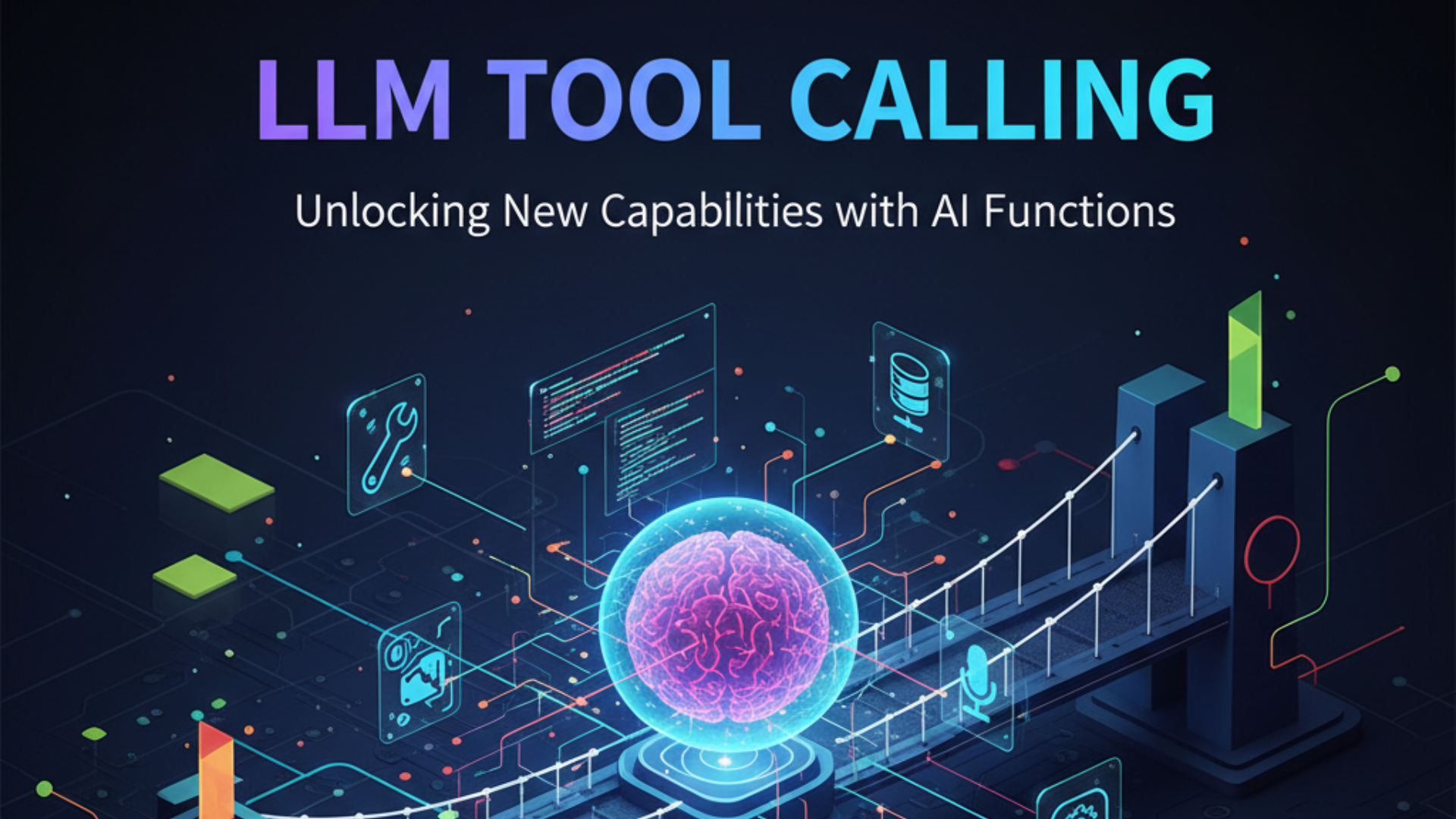
The era of passive SI conversations is over. Today marks a pivotal moment in super intelligence - the seamless integration of Tool Calling functionality into Knox.Chat, transforming static SI responses into dynamic, action-oriented interactions that can interface with the real world.
 |
|---|
What is Tool Calling? The Bridge Between SI and Reality
Tool Calling (also known as Function Calling) represents a fundamental shift in how SI systems operate. Instead of being limited to generating text responses, SI models can now:
- Execute Functions: Call predefined functions with specific parameters
- Access Real-Time Data: Fetch current information like weather, time, or stock prices
- Interact with APIs: Connect to external services and databases
- Perform Actions: Send emails, create calendar events, or update systems
- Process Complex Tasks: Chain multiple operations together intelligently
Think of it as giving SI models hands and eyes to interact with the digital world around them.
The Knox.Chat Advantage: OpenAI-Compatible Excellence
Knox.Chat's Tool Calling implementation isn't just functional - it's fully OpenAI-compatible, ensuring seamless integration with existing applications while providing enhanced reliability and performance.
🔧 Perfect API Compatibility
Our implementation follows the OpenAI specification exactly:
{
  "model": "anthropic/claude-sonnet-4.6",
  "messages": [...],
  "tools": [
    {
      "type": "function",
      "function": {
        "name": "get_current_time",
        "description": "Get the current time in any timezone",
        "parameters": {
          "type": "object",
          "properties": {
            "timezone": {
              "type": "string",
              "description": "Timezone (e.g., Asia/Shanghai)",
              "default": "UTC"
            }
          }
        }
      }
    }
  ],
  "tool_choice": "auto"
}
Streaming Support
Unlike many implementations, Knox.Chat supports both streaming and non-streaming Tool Calls:
- Non-Streaming: Complete tool call information in a single response
- Streaming: Real-time tool call construction with incremental updates
- Hybrid Mode: Seamless switching between modes based on your needs
Real-World Applications: Where Tool Calling Shines ✨
Time & Scheduling Intelligence
User: "What time is it in Tokyo right now?"
SI: *calls get_current_time(timezone: "Asia/Tokyo")*
SI: "It's currently 3:47 PM JST (Japan Standard Time) in Tokyo."
Dynamic Weather Integration
User: "Should I bring an umbrella to my meeting in Shanghai?"
SI: *calls get_weather(city: "Shanghai", unit: "celsius")*
SI: "Yes! It's currently 22°C with heavy rain expected. Definitely bring an umbrella."
Multi-Tool Orchestration
The real power emerges when SI models intelligently combine multiple tools:
User: "Plan my day in Beijing - I need the time and weather."
SI: *calls get_current_time(timezone: "Asia/Shanghai")*
SI: *calls get_weather(city: "Beijing", unit: "celsius")*
SI: "Perfect timing! It's 2:30 PM in Beijing with sunny skies at 25°C.
     Great weather for outdoor activities this afternoon."
Technical Deep Dive: How It Works Under the Hood
1. Tool Definition Phase
Applications define available functions with detailed schemas:
const tools = [
  {
    type: "function",
    function: {
      name: "calculate_mortgage",
      description: "Calculate monthly mortgage payments",
      parameters: {
        type: "object",
        properties: {
          principal: { type: "number", description: "Loan amount" },
          rate: { type: "number", description: "Annual interest rate" },
          years: { type: "number", description: "Loan term in years" }
        },
        required: ["principal", "rate", "years"]
      }
    }
  }
];
2. Intelligent Tool Selection
SI models analyze user requests and automatically select appropriate tools:
- Auto Mode: SI decides when and which tools to use
- Required Mode: Force specific tool usage
- None Mode: Disable tool calling for pure conversation
3. Parameter Extraction
Models intelligently extract parameters from natural language:
"What's my monthly payment for a $500,000 loan at 6.5% for 30 years?"
↓
calculate_mortgage(principal: 500000, rate: 0.065, years: 30)
4. Response Integration
Tool results are seamlessly integrated into natural responses:
{
  "choices": [{
    "message": {
      "role": "assistant",
      "content": "Your monthly mortgage payment would be $3,160.34",
      "tool_calls": [{
        "id": "call_123",
        "type": "function",
        "function": {
          "name": "calculate_mortgage",
          "arguments": "{\"principal\": 500000, \"rate\": 0.065, \"years\": 30}"
        }
      }]
    },
    "finish_reason": "tool_calls"
  }]
}
Advanced Features: Beyond Basic Function Calls
Multi-Step Reasoning
Knox.Chat's Tool Calling supports complex, multi-step workflows:
- Information Gathering: Fetch current data
- Analysis: Process information with SI reasoning
- Action Taking: Execute appropriate responses
- Verification: Confirm results and iterate if needed
Context Awareness
Tools maintain conversation context, enabling sophisticated interactions:
User: "Book me a flight to Tokyo"
SI: *calls get_flights(destination: "Tokyo")*
User: "Make it business class"
SI: *calls update_flight_booking(class: "business")*
User: "And add hotel recommendations"
SI: *calls get_hotels(city: "Tokyo", arrival_date: "2024-03-15")*
⚡ Performance Optimization
- Parallel Execution: Multiple tools can run simultaneously
- Caching: Intelligent result caching for repeated operations
- Fallback Handling: Graceful degradation when tools are unavailable
Industry Impact: Transforming SI Applications
Business Automation
- CRM Integration: Update customer records automatically
- Inventory Management: Real-time stock level checking
- Financial Analysis: Live market data integration
- Report Generation: Automated data compilation
Healthcare Applications
- Patient Scheduling: Intelligent appointment management
- Medical Records: Secure data retrieval and updates
- Drug Interactions: Real-time medication checking
- Emergency Protocols: Automated alert systems
Educational Technology
- Personalized Learning: Adaptive content delivery
- Progress Tracking: Real-time performance monitoring
- Resource Discovery: Intelligent content recommendations
- Assessment Tools: Automated grading and feedback
Smart Home Integration
- IoT Control: Manage connected devices
- Energy Optimization: Intelligent power management
- Security Systems: Automated monitoring and alerts
- Environmental Control: Climate and lighting automation
Getting Started: Your Tool Calling Journey
Step 1: Basic Setup
curl -X POST https://api.knox.chat/v1/chat/completions \
  -H "Content-Type: application/json" \
  -H "Authorization: Bearer YOUR_API_KEY" \
  -d '{
    "model": "anthropic/claude-sonnet-4.6",
    "messages": [{"role": "user", "content": "What time is it?"}],
    "tools": [...],
    "tool_choice": "auto"
  }'
Step 2: Define Your Tools
Create functions that your SI can call:
def get_weather(city, unit="celsius"):
    # Your weather API integration
    return {"temperature": 22, "condition": "sunny", "city": city}

def send_email(to, subject, body):
    # Your email service integration
    return {"status": "sent", "message_id": "msg_123"}
Step 3: Handle Responses
Process tool calls and integrate results:
if (response.choices[0].finish_reason === "tool_calls") {
    const toolCalls = response.choices[0].message.tool_calls;
    for (const call of toolCalls) {
        const result = await executeFunction(call.function.name,
                                           JSON.parse(call.function.arguments));
        // Send result back to continue conversation
    }
}
Best Practices: Maximizing Tool Calling Effectiveness
Tool Design Principles
- Clear Descriptions: Make function purposes obvious
- Robust Parameters: Define comprehensive parameter schemas
- Error Handling: Implement graceful failure modes
- Security: Validate all inputs and outputs
- Performance: Optimize for speed and reliability
Security Considerations
- Input Validation: Sanitize all tool parameters
- Permission Checking: Verify user authorization
- Rate Limiting: Prevent abuse and overuse
- Audit Logging: Track all tool executions
- Sandboxing: Isolate tool execution environments
Performance Optimization
- Caching: Store frequently accessed results
- Batching: Group related operations
- Async Processing: Use non-blocking operations
- Monitoring: Track performance metrics
- Scaling: Design for high-volume usage
The Future of SI Interaction
Tool Calling represents just the beginning of SI's evolution from conversation partners to active digital assistants. As this technology matures, we envision:
Advanced Reasoning
- Multi-step Planning: Complex task decomposition
- Error Recovery: Intelligent failure handling
- Learning Adaptation: Improving from experience
- Context Preservation: Long-term memory integration
Universal Integration
- API Ecosystem: Seamless third-party integrations
- Cross-Platform: Unified tool calling across devices
- Real-Time Sync: Instant data synchronization
- Collaborative SI: Multiple SI agents working together
Creative Applications
- Dynamic Content: Real-time content generation
- Interactive Experiences: Responsive SI applications
- Personalization: Adaptive user experiences
- Innovation Catalyst: Enabling new application paradigms
Knox.Chat: Leading the Tool Calling Revolution
Our commitment to Tool Calling excellence includes:
Complete Compatibility
- Full OpenAI API compatibility
- Seamless migration from existing implementations
- Support for all major SI models
- Consistent behavior across streaming and non-streaming modes
Developer-Friendly
- Comprehensive documentation and examples
- Interactive testing tools and sandboxes
- SDKs for popular programming languages
- Responsive developer support
Enterprise-Ready
- 99.9% uptime SLA with intelligent failover
- Scalable infrastructure for high-volume applications
- Advanced security and compliance features
- Dedicated support for enterprise customers
Continuous Innovation
- Regular feature updates and improvements
- Community-driven development priorities
- Cutting-edge research integration
- Future-proof architecture design
Start Building the Future Today
The Tool Calling revolution is here, and Knox.Chat is your gateway to this transformative technology. Whether you're building the next generation of SI assistants, automating complex business processes, or creating entirely new categories of intelligent applications, our robust Tool Calling implementation provides the foundation for success.
Ready to empower your SI with real-world capabilities?
Start Building: knox.chat
Developer Docs: docs.knox.chat/tool-calling